CASE STUDY · 02
Craftie: your brand identity from a single image
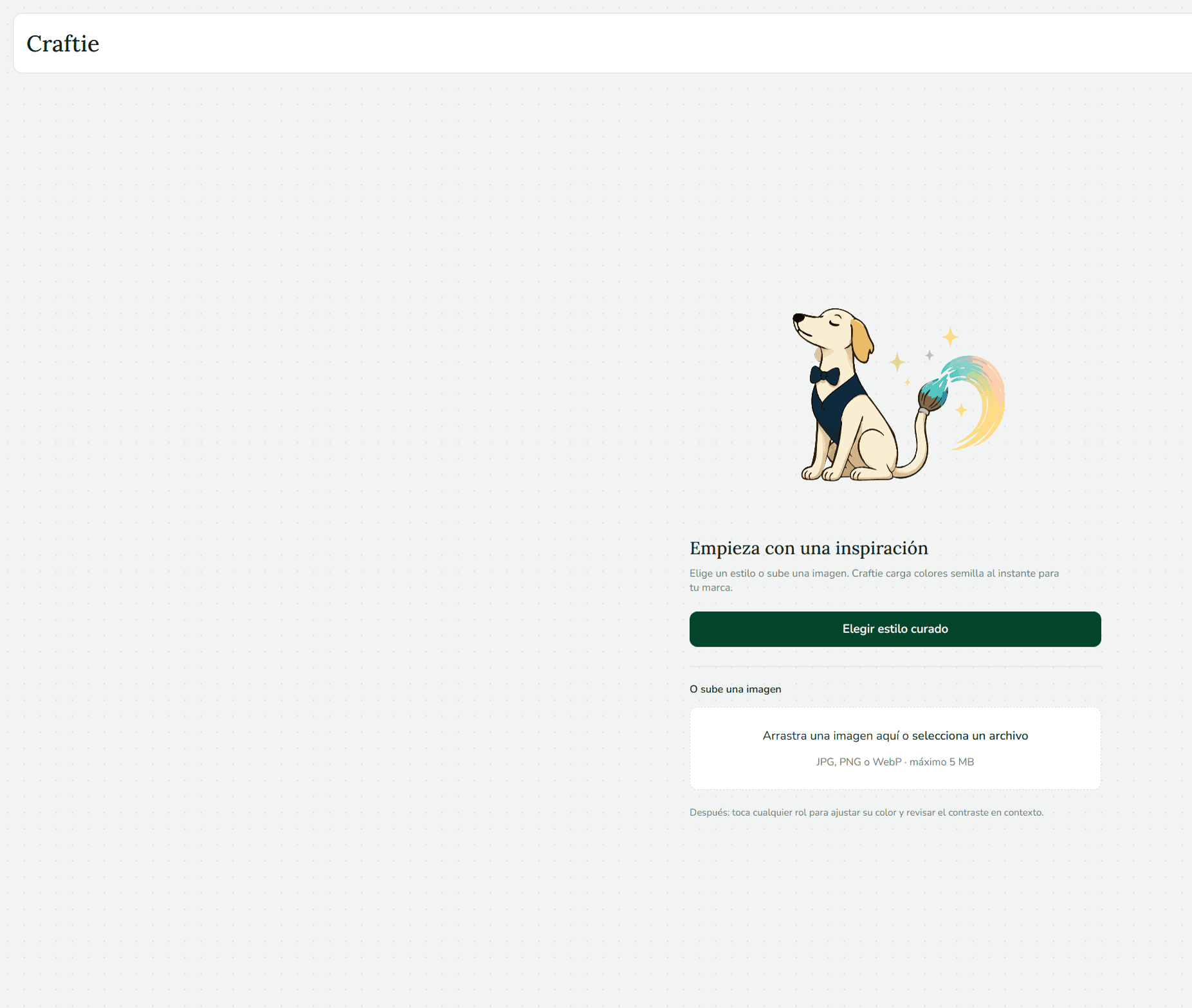
Start with an inspiration: pick a curated style or upload an image and Craftie instantly loads your brand’s seed colors. Then adjust roles, check contrast in context, choose typography and export your guide.
- ROLE
- End-to-end design and development
- TYPE
- Web tool · Personal project
- STACK
- Next.js 16 · React 19 · TypeScript · culori (OKLCH) · Vitest
- STATUS
- Live · 2026
THE PROBLEM
Picking colors that look good together and are also readable is hard. Most tools give you pretty colors but never tell you whether text on top will be legible.
THE GOAL
Go from an image or an idea to a complete brand system (colors, contrast and typography) without needing to know color theory.
PROCESS
From a palette to a brand system
- 01
Inspiration
Pick a curated style or upload an image. Dominant colors are extracted right in your browser.
- 02
Color roles
Colors become roles (background, text, primary, accent) with light and dark versions.
- 03
Legibility
Every pairing is checked against WCAG 2.2, with a complementary APCA reading.
- 04
Typography and export
Curated pairs, Google Fonts or local fonts, and a guide you download in the format you need.
TECHNICAL DECISIONS
What happens behind the interface
All color logic lives in pure, tested functions, separate from the UI.
// lib/utils/colorMath.ts: adjust only lightness until contrast passes
export function adjustLightnessForContrast(colorHex: string, againstHex: string, targetRatio: number) {
  const normalized = normalizeHex(colorHex);
  if (contrastRatio(normalized, againstHex) >= targetRatio) return normalized;

  const { c, h, l: originalL = 0 } = parseOklch(normalized);
  const ratioAt = (lightness: number) => contrastRatio(oklchToHex(lightness, c, h), againstHex);

  const darker = findLightnessBound(ratioAt, targetRatio, 0, originalL, true);
  const lighter = findLightnessBound(ratioAt, targetRatio, originalL, 1, false);
  // ...pick the candidate closest to the original color
}
Why OKLCH?
It changes lightness without shifting hue, so a color can be tuned to pass contrast while still looking like the original.
Suggestions, not just errors
If a pairing fails AA or AAA, Craftie proposes the smallest lightness change that makes it pass.
Everything in your browser
Images and fonts you upload never leave your computer: no server, no accounts.
500+ tests
The color and contrast engine is covered by Vitest tests, so results are predictable.
THE SOLUTION
How it works
Start with an inspiration
Pick a curated style or upload an image (JPG, PNG or WebP, up to 5 MB). Craftie extracts the colors and classifies them as pastel, vivid, dark or neutral.
Tap a role and adjust it
Change the color of any role and check contrast in context: WCAG AA or AAA, plus an APCA reading.
Export your guide
Choose typography (curated pairs, Google Fonts or your own fonts) and export to CSS, design tokens (JSON), Figma, DESIGN.md or brand kit.
RESULTS
By the numbers
Automated tests
Color, contrast and export logic covered with Vitest.
Font pairings
Recommended based on the style you choose.
Export formats
CSS, JSON, Figma Tokens, DESIGN.md and brand kit.
WHAT I LEARNED
An accessibility tool has to be accessible first.
Keeping color logic in pure functions, away from the UI, let me redesign the interface many times without breaking the math.
Showing the contrast ratio next to a concrete fix helps far more than a plain "fails".